



STEP 1: Log in
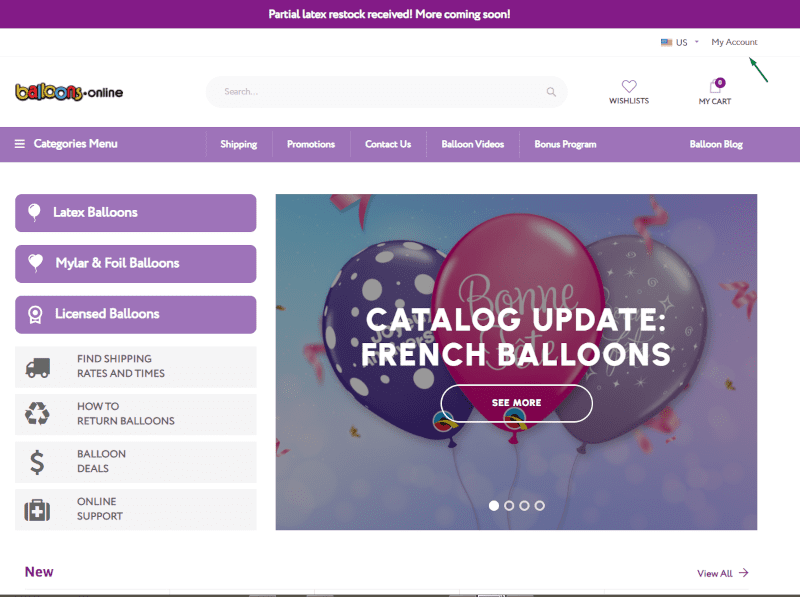
- To use the promo code, you must be logged in.
STEP 2: Add products to cart
- Go to your account.
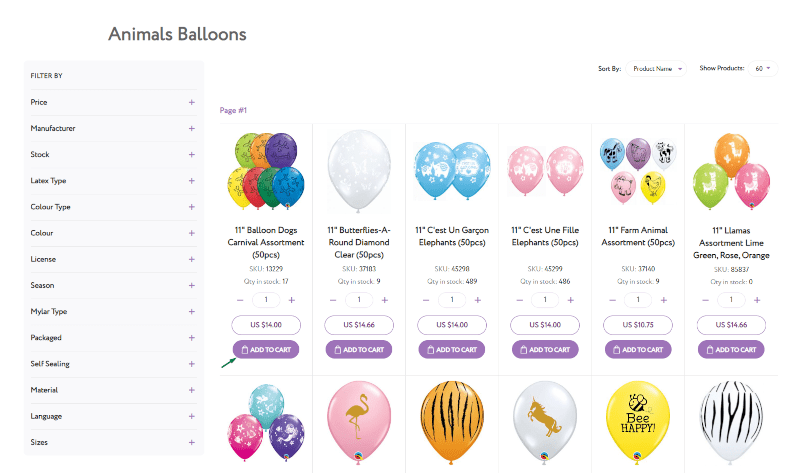
Choose a product and click “ADD TO CART” to add it to your cart.
STEP 3: Go to My Cart
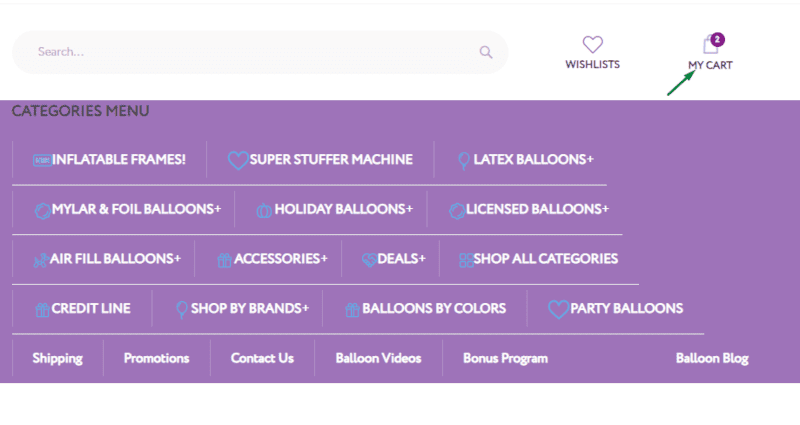
- Click on the shopping cart icon in the upper right corner.
STEP 4: View and Edit Cart
- Go to View and Edit Cart to view the cart.
Here you can change the quantity of the items. And from here go to payment.

STEP 5: Proceed to Checkout
- Payment and Shipping menu is also available from My Cart.

STEP 6: Have A Discount Code
- To redeem your promo code, go to “Proceed to Checkout and click Have A Discount Code? Click Here!”

STEP 7: Use Promo Code
- Enter the promo code.
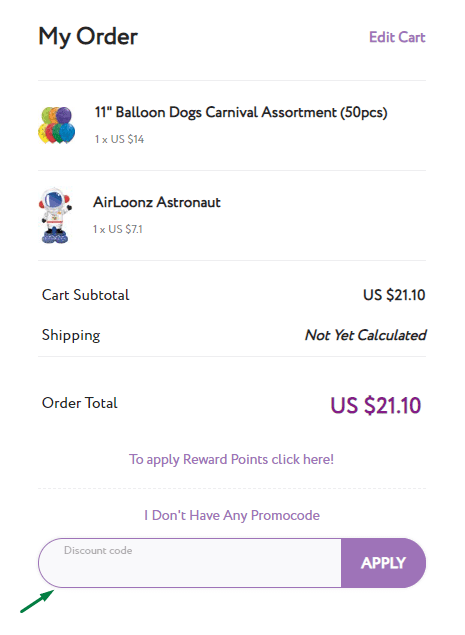
Notice! MyLAR-TEST promo code is 2% off mylar and foil balloons. Enjoy your shopping!


